Aghanim-Telegram Login Integration
This guide explains how to integrate Aghanim with Telegram to enable user authentication via a Telegram bot. This allows users to log in to your hub using their Telegram credentials.
Requirements
- A Telegram account and access to the BotFather.
- A registered bot with a Bot Username and Bot Token.
Step 1: Create a Telegram Bot
- Open Telegram and search for @BotFather.
- Start a chat and send the command
/newbot. - Follow the prompts to:
- Set the bot name (e.g., “GameHubLoginBot”)
- Choose a unique bot username (must end in
bot, e.g.,gamehub_login_bot)
- After creation, you’ll receive a Bot Token (e.g.,
123456:ABC-DEF1234ghIkl-zyx57W2v1u123ew11). - Optionally, configure the bot icon and description via
/setuserpicand/setdescription.
Step 2: Configure the Integration in Aghanim
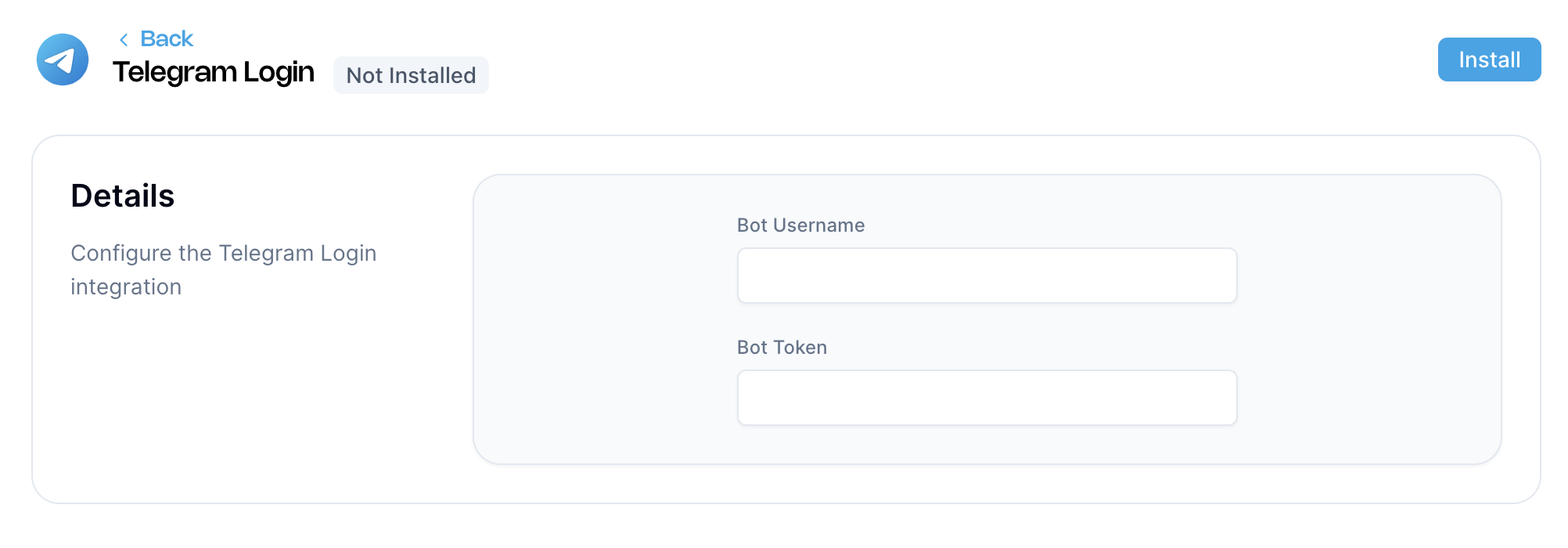
- Go to the Aghanim Dashboard → Aghanim Connect → Telegram Login.
- Fill in the required fields:
- Bot Username – the handle of your Telegram bot (e.g.,
gamehub_login_bot) - Bot Token – the token generated by BotFather
- Bot Username – the handle of your Telegram bot (e.g.,
- Click the Install button to activate the integration.

Step 3: Configure the Login Method on the Game Hub
- Navigate to Game → Settings in the Aghanim dashboard.
- Under the Game hub login look & feel section, open the Login methods dropdown.
- Select Telegram from the list of available methods (you can select multiple).
- Click Save changes to apply the configuration.
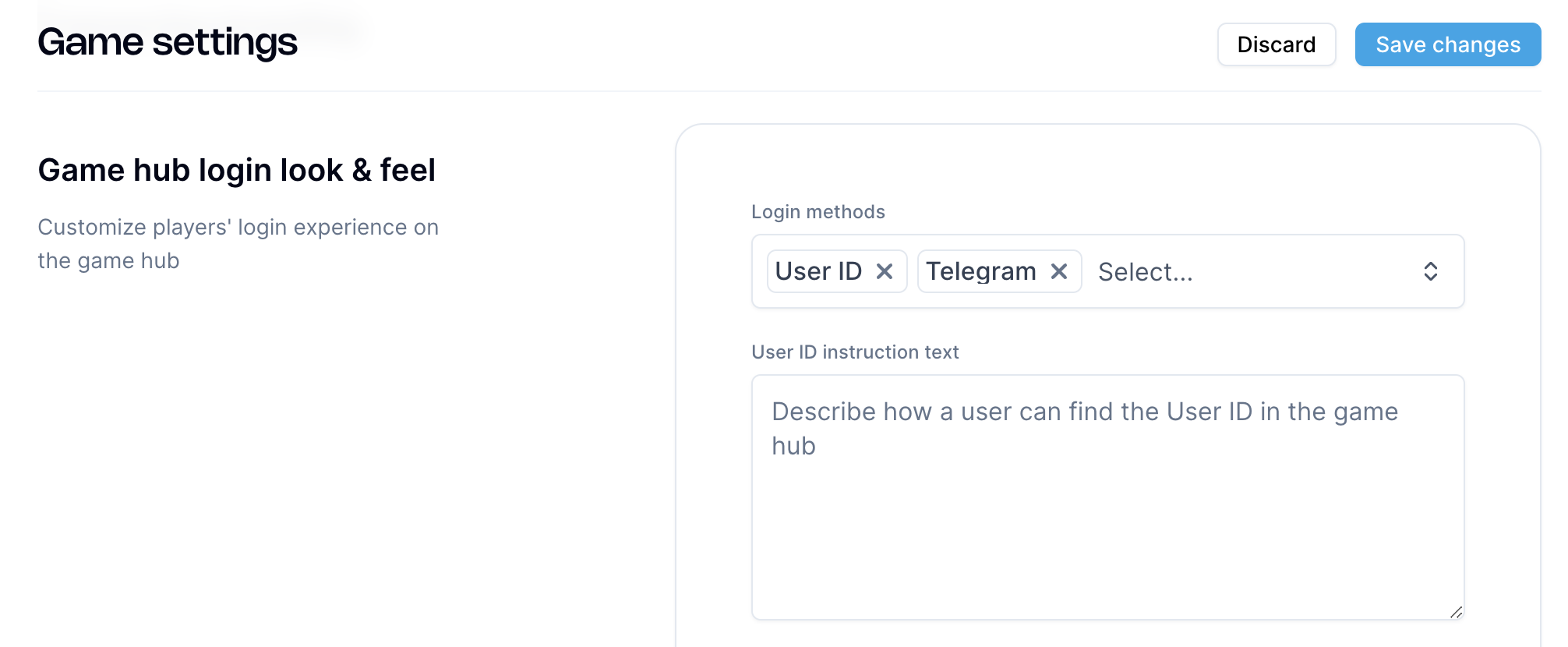

Once saved, players will be able to use Telegram to log in to your game hub.
Need help?
Contact our integration team at [email protected]